Guest experience and Accessibility
Universal Access
-Guests access to amenities, ease of walkway, entrance
-Welcoming impression
–
PROJECT UPDATE
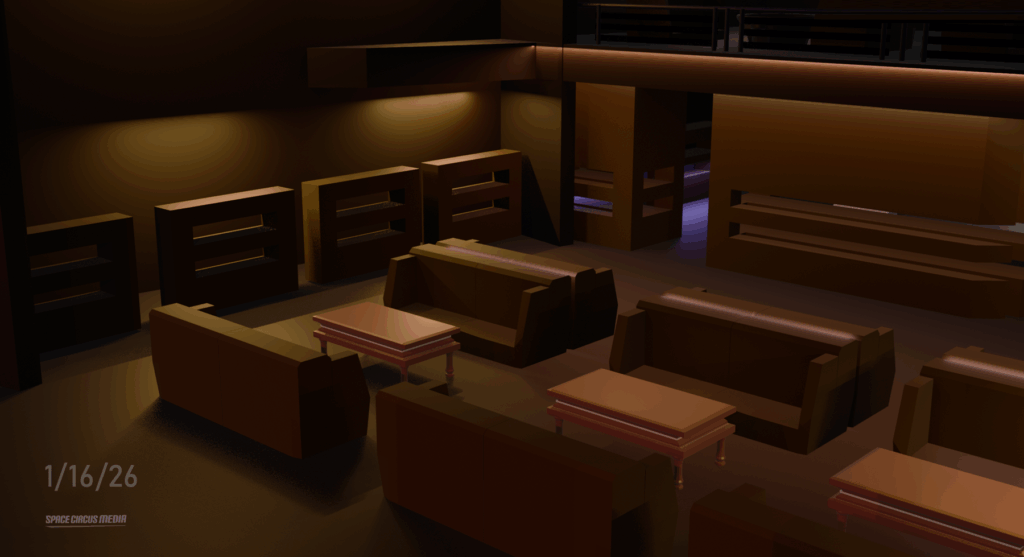
In this update of my 3D prototype, I’m focusing on the technical validation of the west service floor (operational zone) to refine path planning along the guests, staff, and service robot’s pathway. I’ve modeled and arranged polygonal furniture meshes to address this concept in Blender and I’ve drawn suggested human pathways in green using adobe indesign and robot pathways in yellow for the 7 ft transit corridor.
My research into this field indicates that geometric fidelity at the 3D phase is where the ‘Sim-to-Real’ gap is bridged. I am focusing on providing high-fidelity spatial inputs now so the environment functions as a reliable data source for simulation.
For the robotics teams: In these shared human-robot pathways, what is the most common environmental friction point that causes navigation failures in your experience?
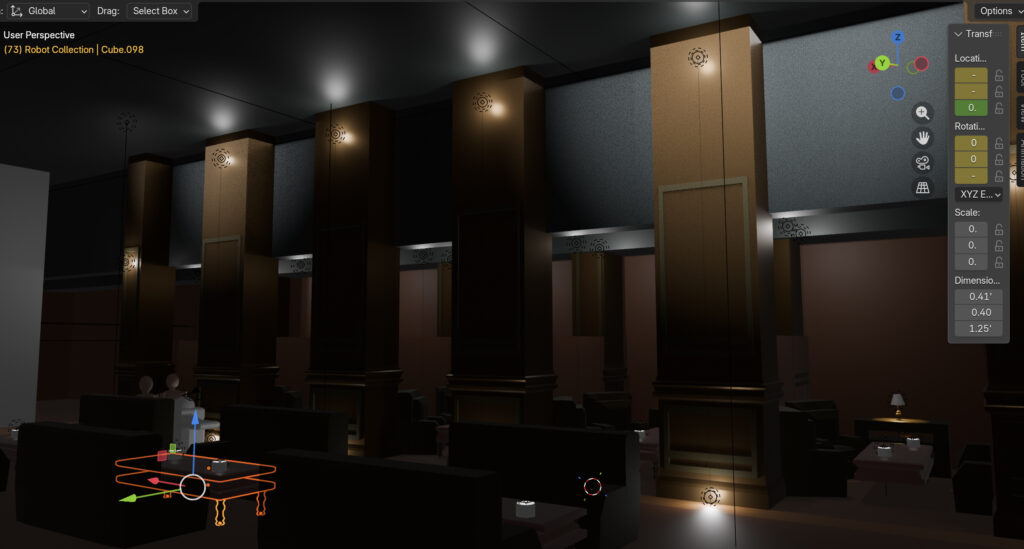
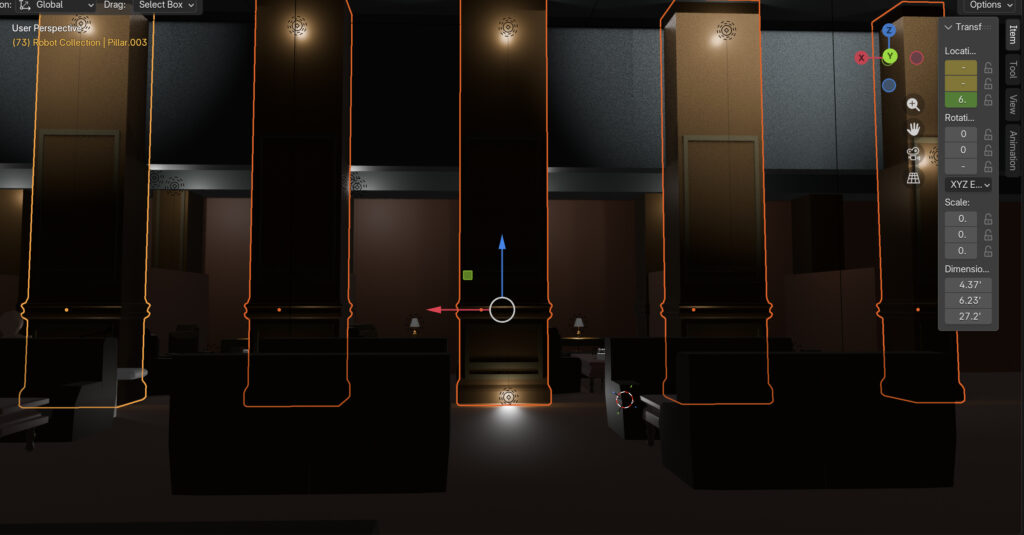
Concept Sketch to Model
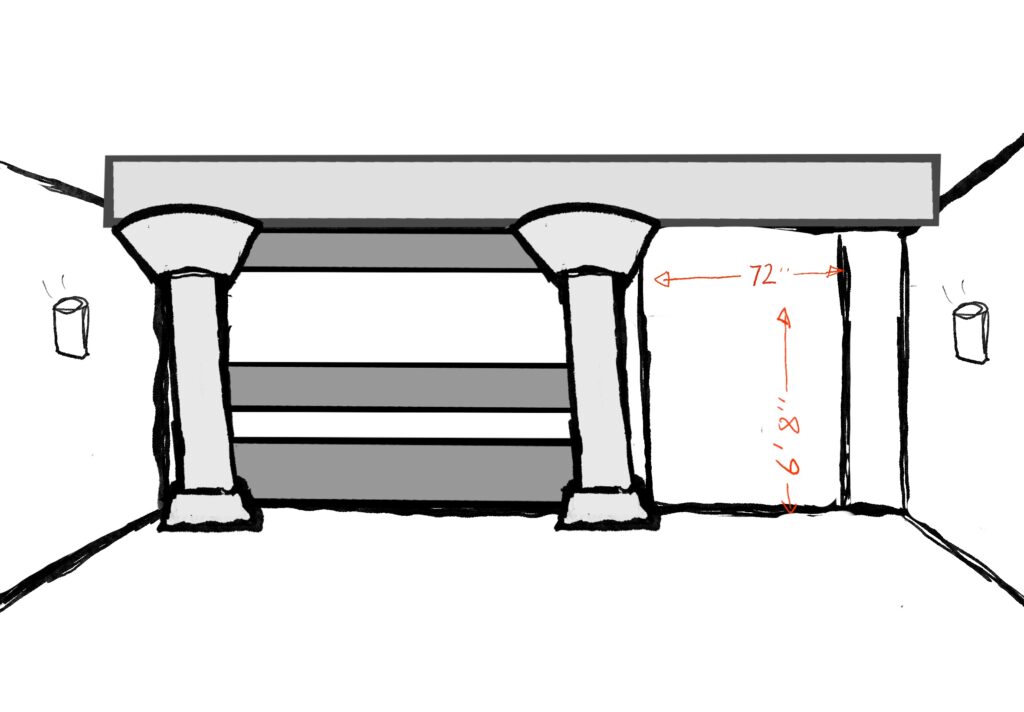
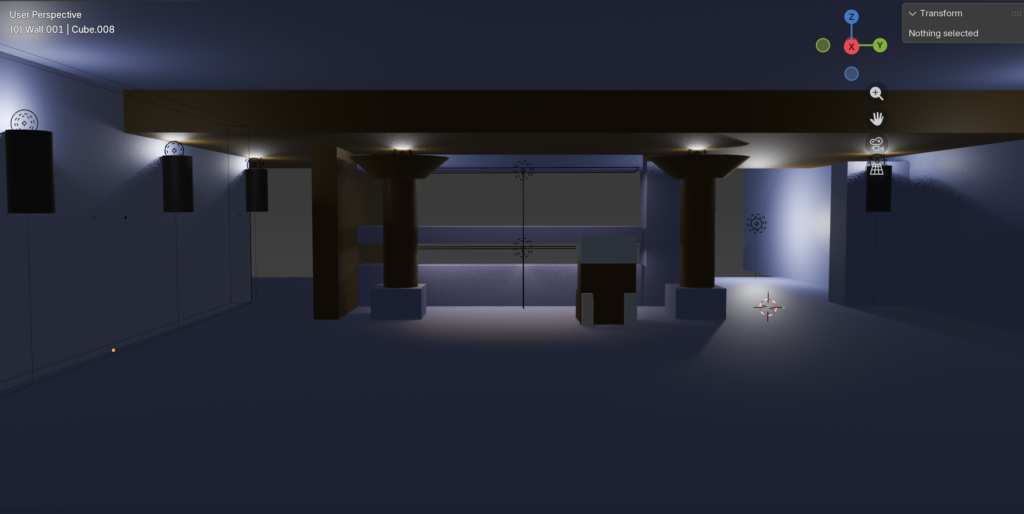
ADA Inclusivity
Sight, privacy, and Visibility
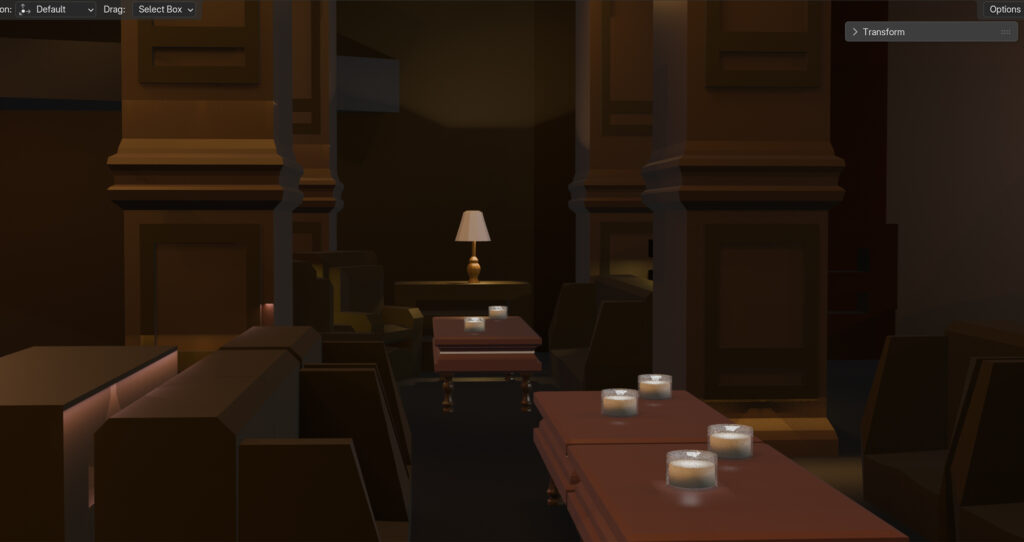
Spatial Logic
How these elements may help in communicating spatial mapping and planning needs:
Using visuals to plan human and robotic maintenance paths.
Can a 3D Visualization Rendering if a building with ceiling doors, walkways, and 3d polygonal models of ductwork help to communicate the Spatial Mapping needs and serve as a Digital Twin for robotic spatial mapping?
1. Pre-Planning the route for the Robot’s during inspection.
- If a 3D model of the ductwork were designed, engineers may be able to perform Reachability Analysis before placing a robot into the building,
- The Benefit: Sharp 90∘ turns and narrow spots in the ducting can be identified and accounted for where a specific robot might get stuck. If the 3D model shows a 10-inch duct and your robot is 12 inches wide, the visualization has demonstrated and preserved a failed mission and potential equipment damage.
2. Defining “Known” vs. “Unknown” Space
- Spatial mapping (specifically via SLAM) works better when the robot has a “prior” map to reference.
- The Benefit: By providing the robot with the 3D polygonal model of the building, you are giving it a “hint.” Instead of the robot wandering blindly to figure out where the walls are, it can focus its CV processing power on finding discrepancies (like a new blockage or a leak) rather than just basic navigation.
3. Training for “Ceiling Doors” and Access Points
- Transition zones
- Ceiling doors
- Hatches
- The Benefit: A 3D artist can render these doors in various states (open, closed, partially blocked).
This helps the AI/CV model recognize exactly where the “entrance” to the duct system is, which is often one of the hardest parts of an autonomous inspection.
4. Safety and Human-Robot Coordination
- Safety Zoning
- Walkways
- floor-level models
- Where will robots be operating in relation to humans.
- Caution Zones for inspections during operating hours. Inspections or maintenance above high traffic areas.