
Welcome to the ‘Language Model for Reading Activity’ – Project
As a designer, I’m hoping to bring together educators and technology enthusiasts to find ways to use new technologies to support the education process. I’m creating this design and development portfolio to showcase the assembly of a Large Language Model (LLM) with the intent to challenge its capabilities while supporting student reading comprehension skills.
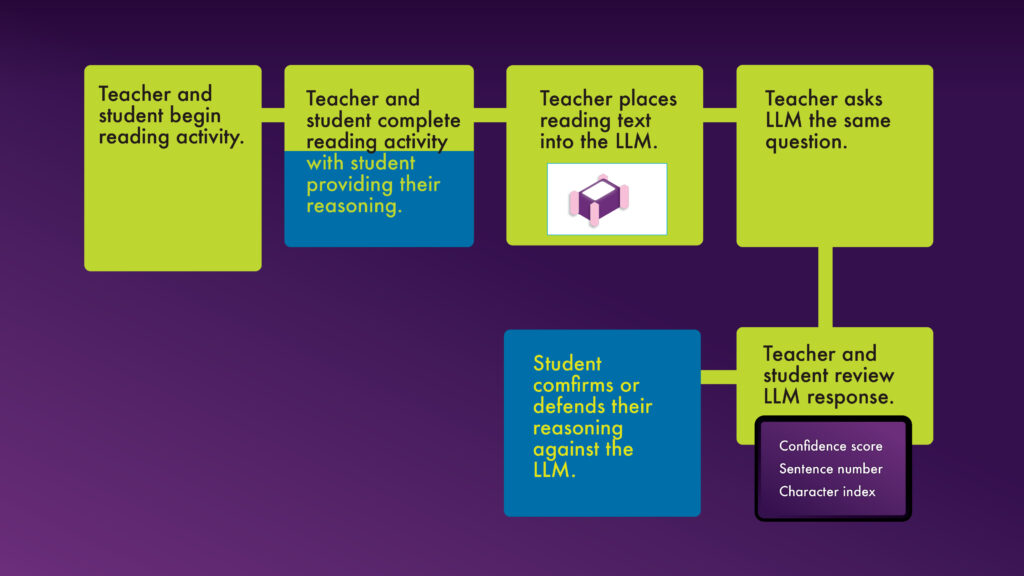
On the image below, the Left column shows a proposed activity a teacher or tutor may provide to a student. On the right column, we see a process where both the teacher and student can interact with the Language Model to reflect on the student’s understanding of the passage.
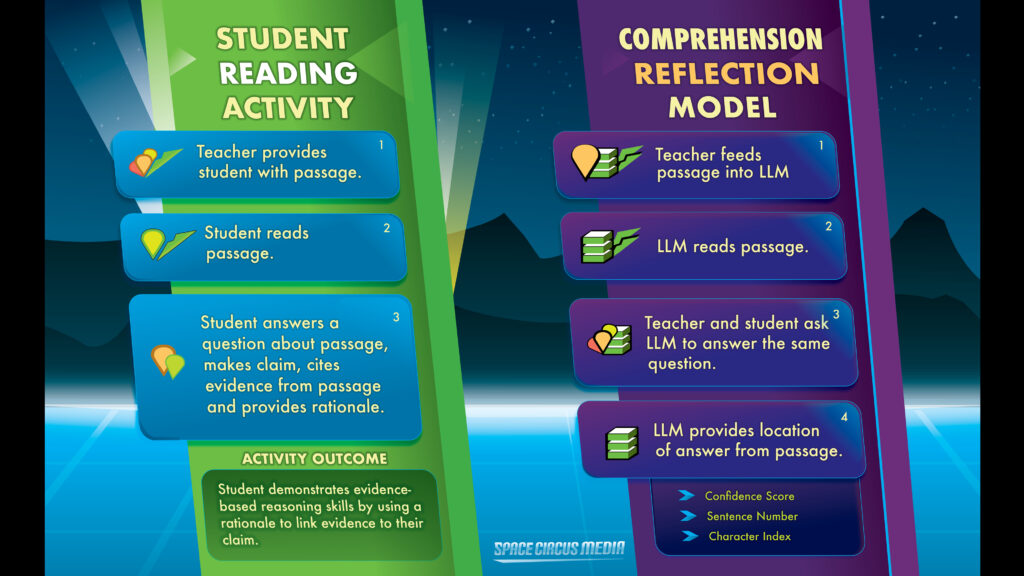
To begin, we’ll walk through the teacher/student activity without the LLM or any computer.
Meet the ‘Noscrollitures’ Teacher and Student, as they practice the reading exercise with a passage on the history of guitars.
Teacher will help Student to strengthen their reading comprehension using a passage of text about guitar history.
This will demonstrate two examples of how the student will build a rationale, first with only pen and paper, then with the Language Model.
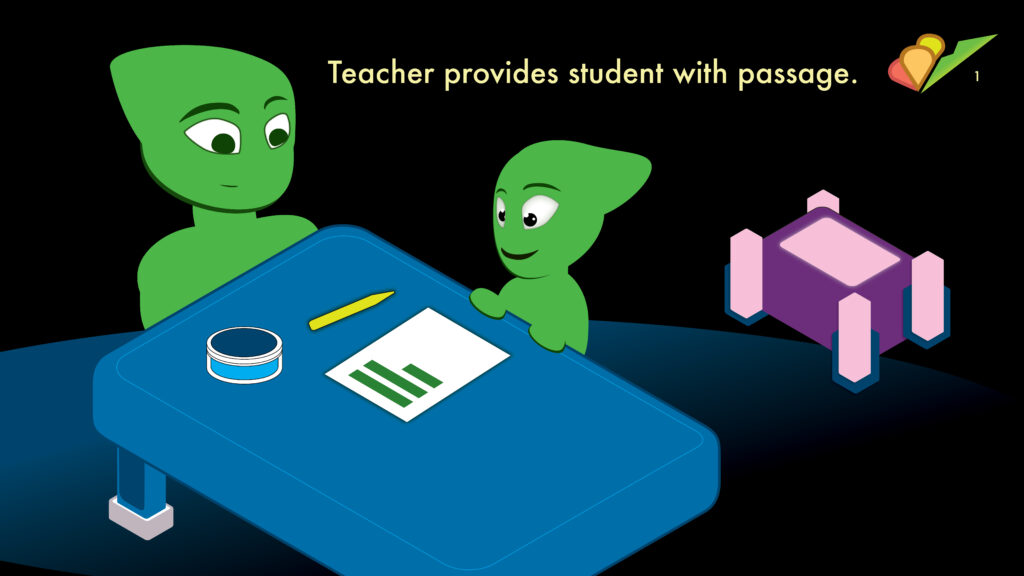
In this first panel we see the teacher introducing the passage of text to the student.
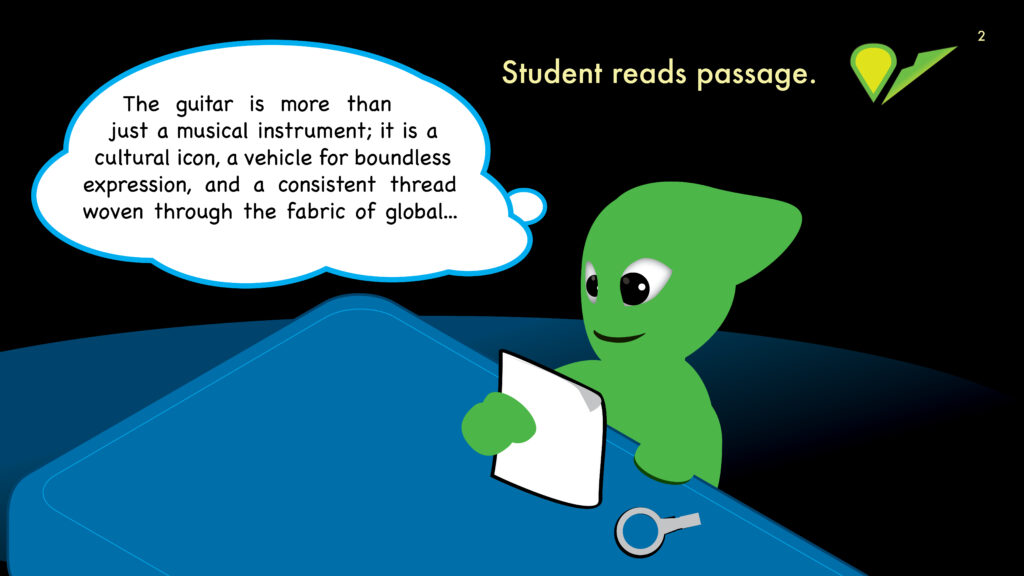
The student reads the passage either on their time or in a classroom setting.
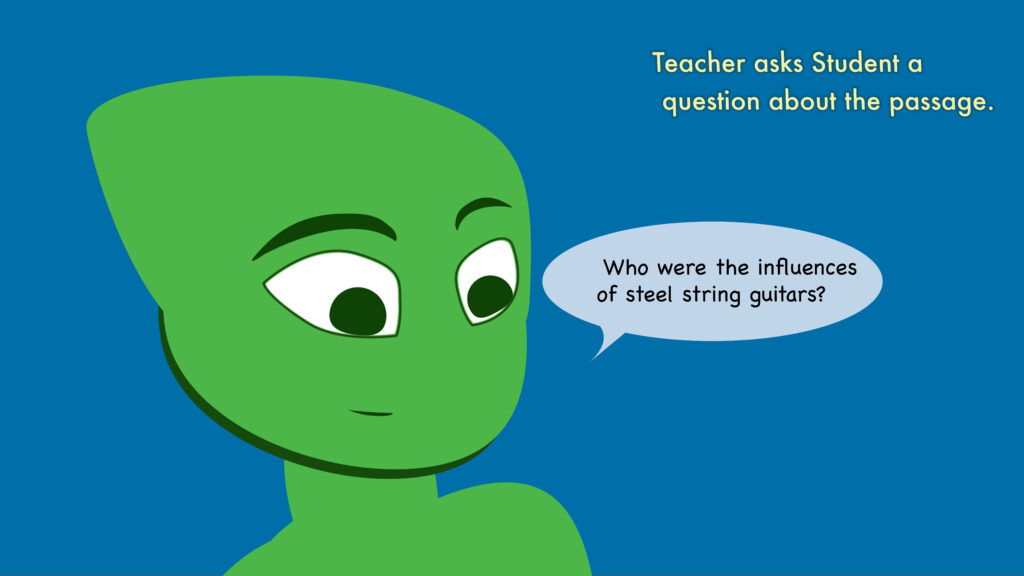
The teacher will ask the student to explain an element of the passage such as the main idea.

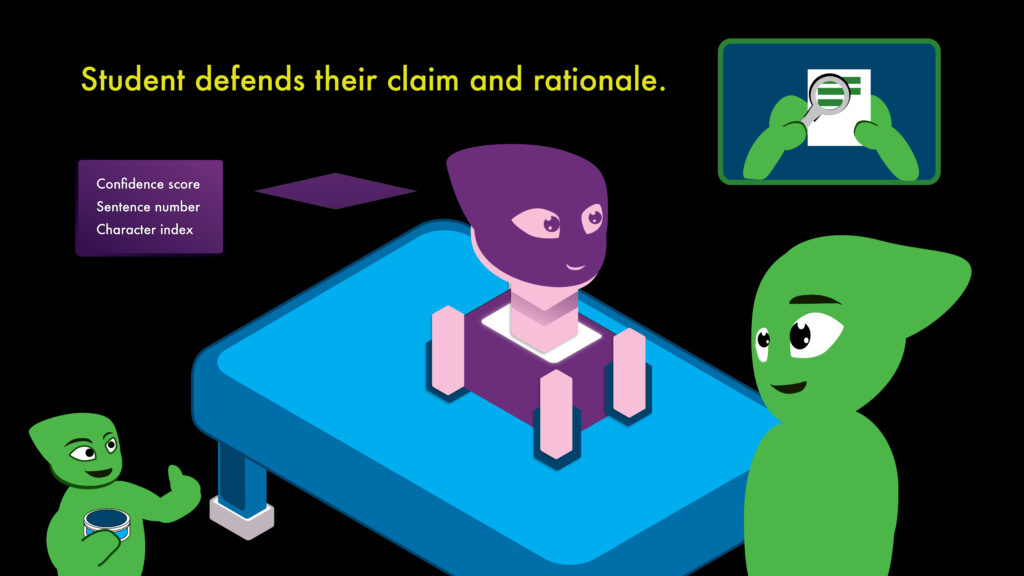
The student will examine the passage to provide a claim, cite their evidence, and provide reasoning and rationale.
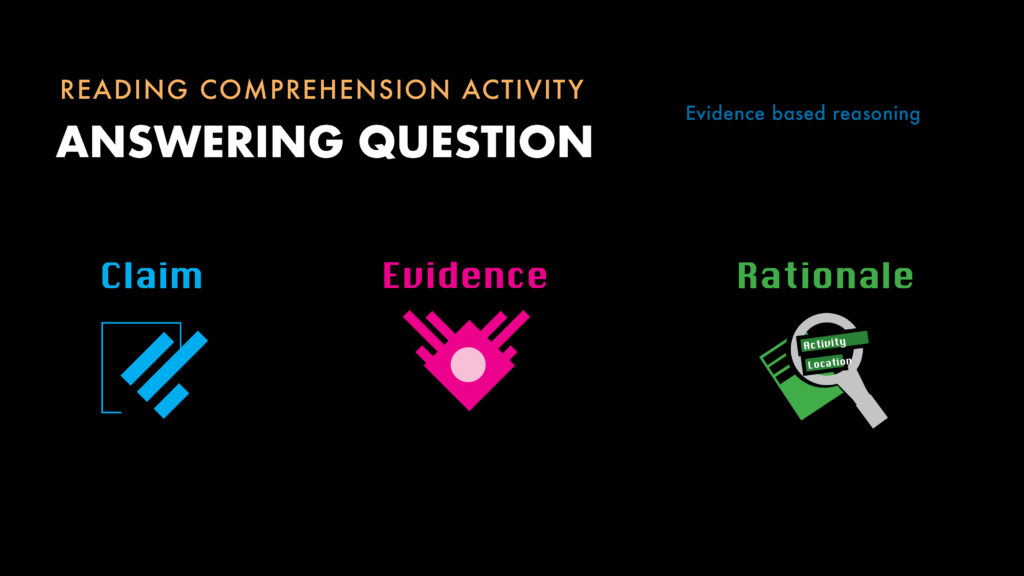
Once the student has exercised their evidence based reasoning skills and documented their evidence, claim, and reasoning, we can compare that with the capabilities of the Large Language Model.
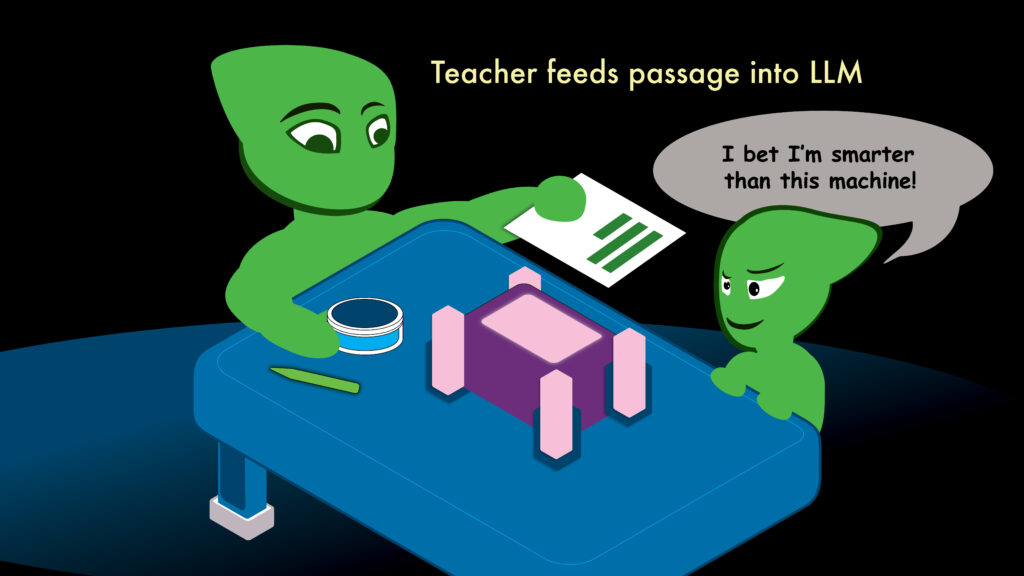
The teacher provides the same text used in the activity to now be read by the LLM.
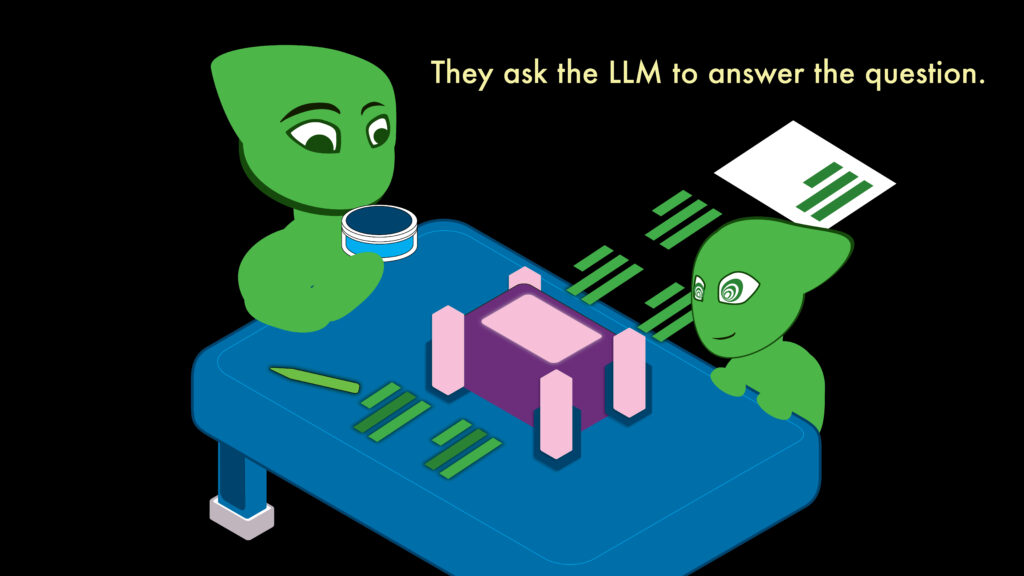
The teacher and student ask the LLM the same question and await the response.
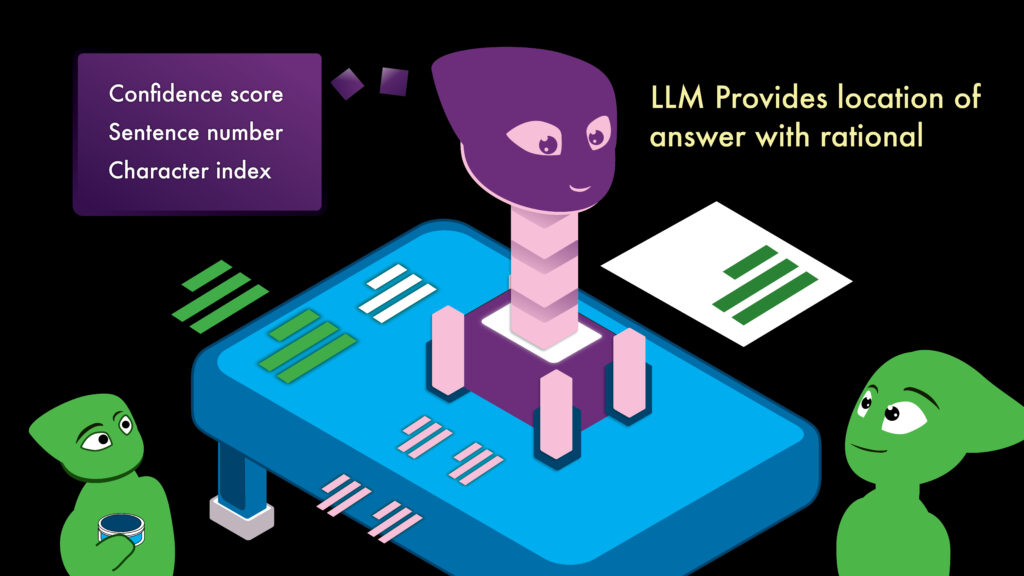
The Large Language Model provides its response. What it provides in addition to a text based response, are three key pieces to this puzzle.
– Confidence score
– Sentence number
– Character index
These are how the Language Model is expressing its ability and level of confidence with its response. It shows the location within the passage where it matches the most likely explanation, and a number of characters to count the location of letters of the passage.
Lastly, the student compares their assessment of the passage to that of the language model’s.
In this opportunity, the student may be able to catch something which the model pointed out, but also they can analyze it for factualness and think about how it supports their own claim. They can also determine whether the model is going off topic and how so. Where can we see the error of the model’s logic and how can we prove that our reasoning (the student’s) is correct?
December 2025
Thanks for viewing this first draft of this project.
The remainder of this documentation is a graphical process explaining the assembly of the Language model and how it can be used and maintained. I’m working on several aesthetic elements to update as well, so bear with me.
Thanks,
Chris
The next part of this example covers the assembly of the language model and a visual guide to assist developers and project managers in keeping track of everything.
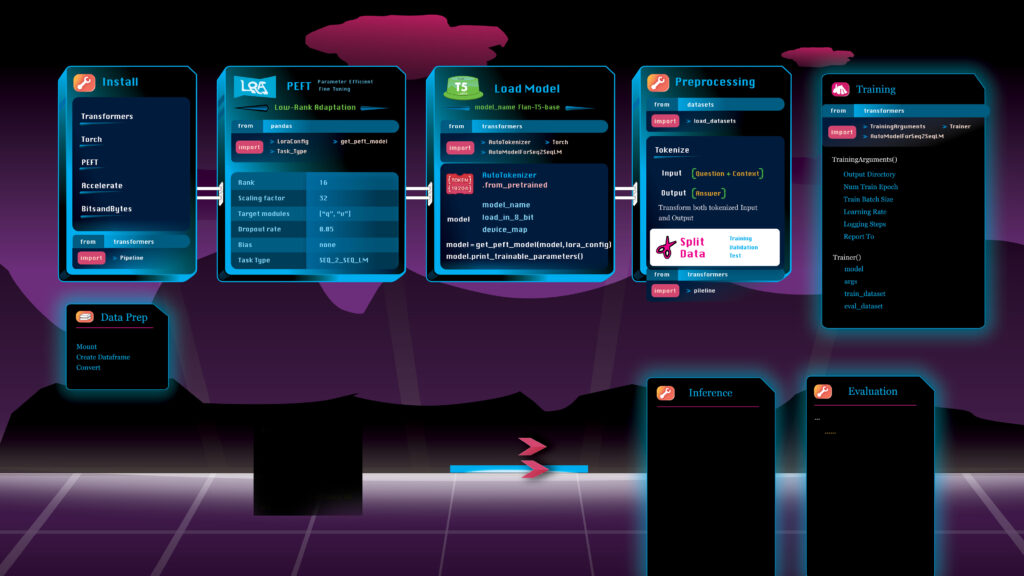
Graphical close ups of some of the computing tasks used in building the application .
Article
Reading Comprehension Tool Language Model
On the image below, Left side we see the parameters for what is known as Parameter-Efficient Fine-Tuning (PEFT) . A step used in building a more energy and cost efficient Language Model. This block of code will be used every time a new set of data is brought in to retrain the model. This is in a .csv format. For example: building this knowledge base on guitar history. The first build was run and tested and now will be updated with new historical information and a new .csv file from the collaboration of a historian, a musician, and a programmer or tech savvy individual.
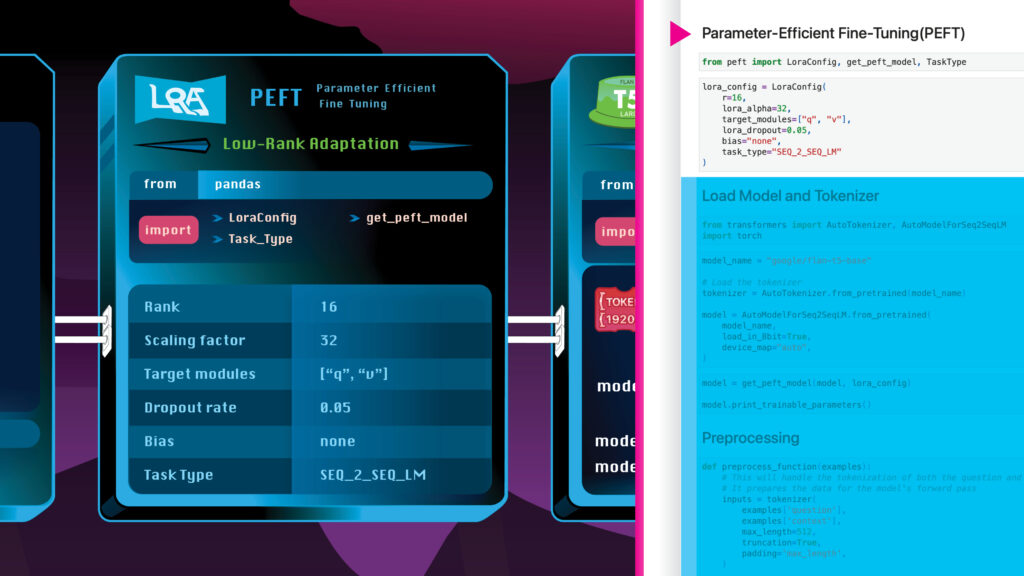
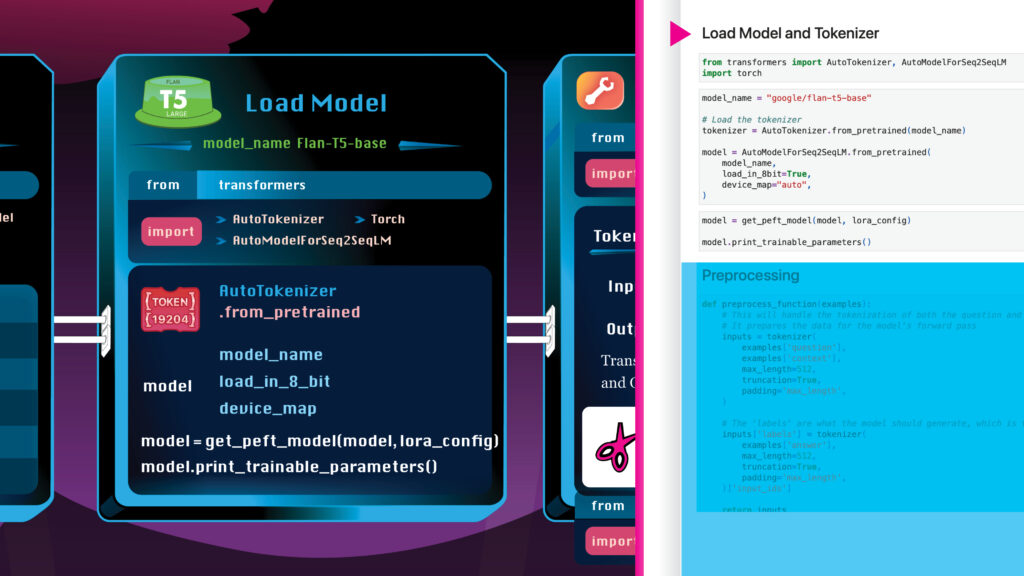
Here we have a step for defining the type of additional model to load into the current model I’m building. This is called T5 Flan, like the flan cake, hence, the green short cylinder icon
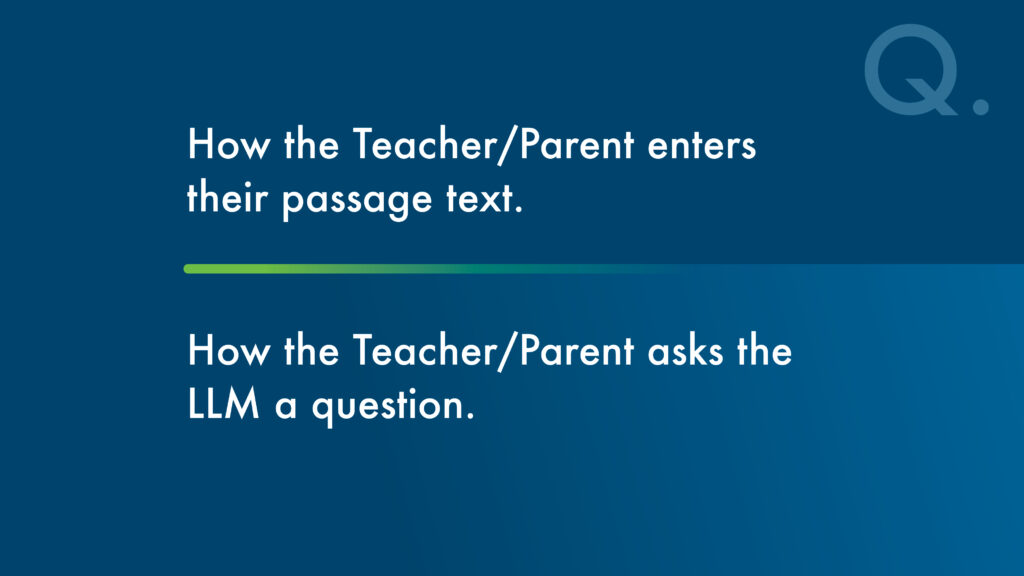
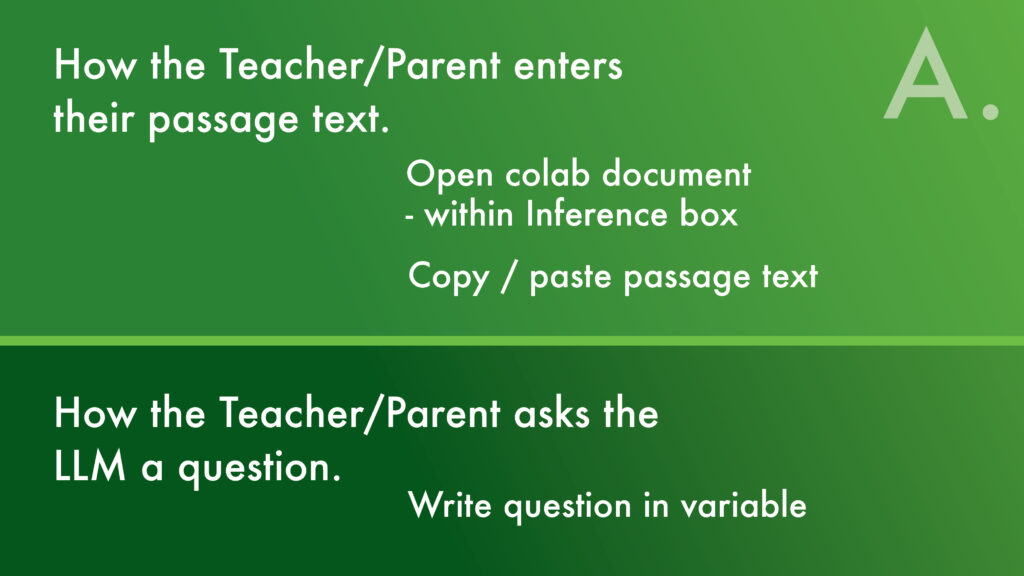
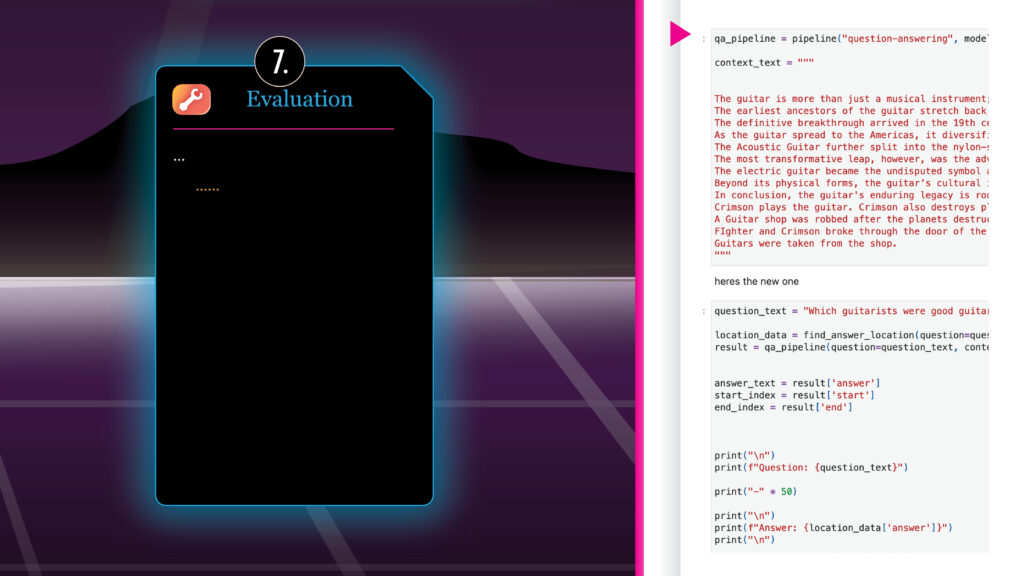
The Evaluation step is where the teacher or tech specialist will enter the passage of text into the LLM. The graphic here is currency incomplete, however, the red text on the right half shows the location in the code where the text can be placed. I will explain this concept further on future updates to this page. There are other ways to feed the passage data into the model. This is a basic example using the current design of the LLM.
VAPORWAVE : Visually Assistive Project Outline Reflected With Applicable Vector Examples
– Chris Rodriguez